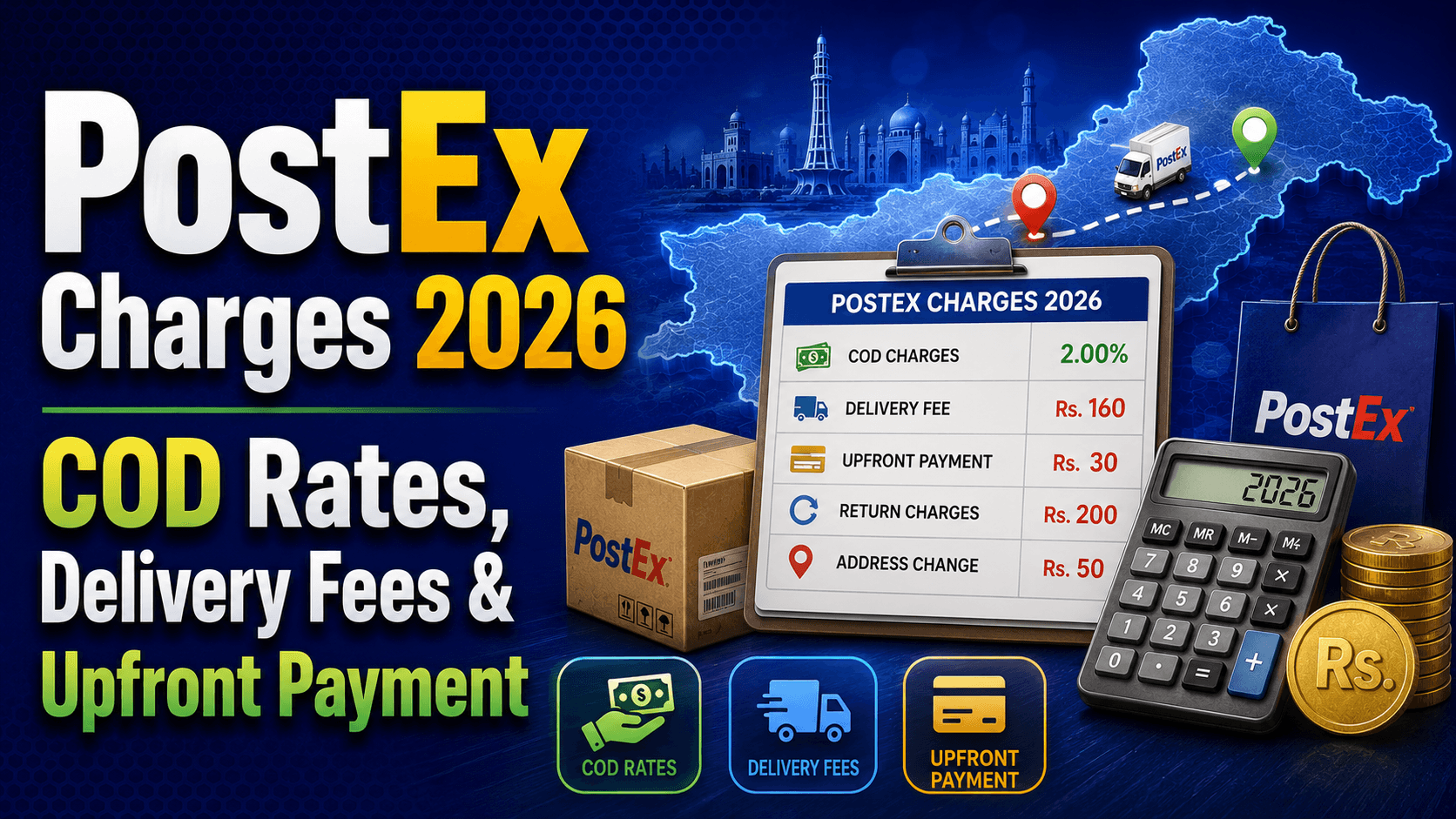
Whether you ordered from a Pakistani online store, an Instagram seller, or a Facebook shop — if your parcel is coming via PostEx, you need one thing: your tracking number and a reliable way to check it. This guide covers everything, from how to track your PostEx parcel right now to understanding every status message and what to do when things go wrong.
What Is PostEx?
PostEx is Pakistan's fastest-growing logistics and fintech company, founded in 2020 in Lahore. It solves two problems at once: it delivers parcels for ecommerce sellers across Pakistan, and it pays those sellers their cash-on-delivery earnings upfront, without making them wait.
What makes PostEx different from TCS or Leopards is that it was built specifically for ecommerce from day one — not retrofitted for it. Today, 7 out of every 10 COD parcels shipped nationwide move through the PostEx network, giving them the country's leading market share in ecommerce COD.
In 2022, PostEx further expanded by acquiring Call Courier, making it the largest e-commerce service provider in the country, servicing 1.3 million users with over 8,000 merchants across 500 cities in Pakistan. Business Recorder If you see "Call Courier" on an older receipt, it is now fully part of the PostEx group — the same tracking system handles both.
PostEx delivers to 650+ cities, covering both major urban centres and many remote and rural areas, backed by 250+ warehouses and over 9,000 riders nationwide.
Where to Find Your PostEx Tracking Number
Your PostEx tracking number is a 14-digit numeric code. You'll find it in one of these places:
SMS from the seller — sent after dispatch, usually contains the CN number and sometimes a direct tracking link
WhatsApp message — many Pakistani online stores share tracking numbers via WhatsApp after fulfilling your order
Order confirmation email — look for fields labelled "Tracking Number", "CN Number", or "Consignment ID"
The physical parcel label — the tracking number is printed on the sticker attached to your package
If you can't find it, contact the seller directly and ask for your PostEx CN number — they have it in their merchant dashboard.
How to Track Your PostEx Parcel on TrackMyOrder.pk
The fastest way to track any PostEx parcel without logging in anywhere is through trackmyorder.pk/postex.
Step 1: Go to trackmyorder.pk/postex Step 2: Enter your 14-digit PostEx tracking number in the tracking box exactly as received — no spaces, no dashes. Step 3: Click "Track Package" — your real-time parcel status appears instantly, including current location, last scan point, and latest delivery update. Step 4: Save the tracking number to your Favourites tab so you can check again without re-entering it.
Pro tip: On TrackMyOrder.pk you can track PostEx, TCS, Leopards, M&P, and all major Pakistani couriers from one dashboard — no switching between apps or websites.
PostEx Tracking Status Meanings
Here's what each status actually means in plain language:
| Status | What It Means |
|---|---|
| Booked | The seller has created your shipment. PostEx has the order in their system but hasn't collected it yet. |
| Picked Up | PostEx has collected your parcel from the seller. The journey has officially started. |
| In Transit | Your parcel is moving between PostEx hubs or cities. Completely normal — no action needed. |
| Arrived at Hub | Parcel has reached a PostEx facility, either a midpoint or your city's hub. Delivery is typically next working day. |
| Out for Delivery | Your parcel is on a rider's vehicle heading to your address today. Stay available on your phone. |
| Delivered | Successfully handed over to the recipient. If you didn't receive it, contact PostEx immediately. |
| Delivery Attempted | PostEx tried to deliver but couldn't complete it — you may have been unavailable. They'll retry next working day. |
| Consignee Not Available | The rider arrived but couldn't reach you. Expect a retry the following working day. |
| Address Issue | Your delivery address is incomplete or unclear. Contact PostEx or the seller to update it before RTO is triggered. |
| Shipment on Hold | Parcel is paused at a hub — usually due to an address or COD amount issue. PostEx will typically call you. |
| Return Initiated | After multiple failed delivery attempts, the parcel is being sent back to the seller. Contact your shop for a reorder or refund. |
| Returned to Shipper | Parcel has been officially handed back to the seller. |
How Long Does PostEx Take to Deliver?
Within the same city, PostEx typically delivers within 24 to 48 hours. For intercity shipments, for example Lahore to Karachi, expect 2 to 5 working days. Express and next-day services are available for select cities.
Delivery times may be longer during Eid, public holidays, or major sales events like 11.11 or Black Friday when parcel volumes spike across all couriers.
Once your status shows "Out for Delivery", expect the rider to arrive the same day, usually before 7–8pm.
PostEx vs Other Couriers — What Makes It Different?
For buyers, PostEx works like any other courier — you track with a number and wait for the rider. But for sellers and online stores, PostEx has a unique edge: sellers receive COD cash before delivery is complete — no more waiting weeks for payment after dispatch.
This is why so many Pakistani Shopify and Instagram stores prefer PostEx. If you're consistently ordering from the same online store and they use PostEx, it's likely because they get paid faster and can restock quicker — which usually means faster dispatch times for you too.
If you run a Shopify store and want to connect PostEx to your store for automatic tracking updates and customer notifications, the Track My Order Shopify app supports PostEx along with TCS, Leopards, M&P, and other major Pakistani couriers — all in one dashboard.
What to Do If Your PostEx Parcel Is Stuck
If your tracking hasn't updated in more than 48 hours:
Re-check on TrackMyOrder.pk — PostEx scans parcels at hub checkpoints, so updates can sometimes lag a few hours between cities.
Wait one to two working days — if your parcel has not moved in 24 hours, it is likely in transit between major cities where scanning is less frequent.
Contact PostEx support — if it exceeds three working days with no update, reach out directly via their helpline or WhatsApp.
Contact the seller — complaints raised from the merchant's end get prioritised in PostEx's system and are resolved faster.
If status shows "Address Issue" — act immediately. Update your address through the seller or call PostEx directly. Delays here lead to RTO.
PostEx Contact & Support
Website tracking: postex.pk/tracking
Helpline: Available on their official website under the Contact section
WhatsApp support: Listed on PostEx's official website
Mobile app: Available on Android and iOS for real-time push notifications on your shipment
Frequently Asked Questions
Track Your PostEx Parcel Right Now
Enter your tracking number at trackmyorder.pk/postex for instant real-time updates — no account needed, no ads, works on any phone.
Also tracking a TCS or Leopards parcel at the same time? TrackMyOrder.pk handles TCS, Leopards, M&P, PostEx and all major Pakistani couriers in one place — check them all without switching tabs.